

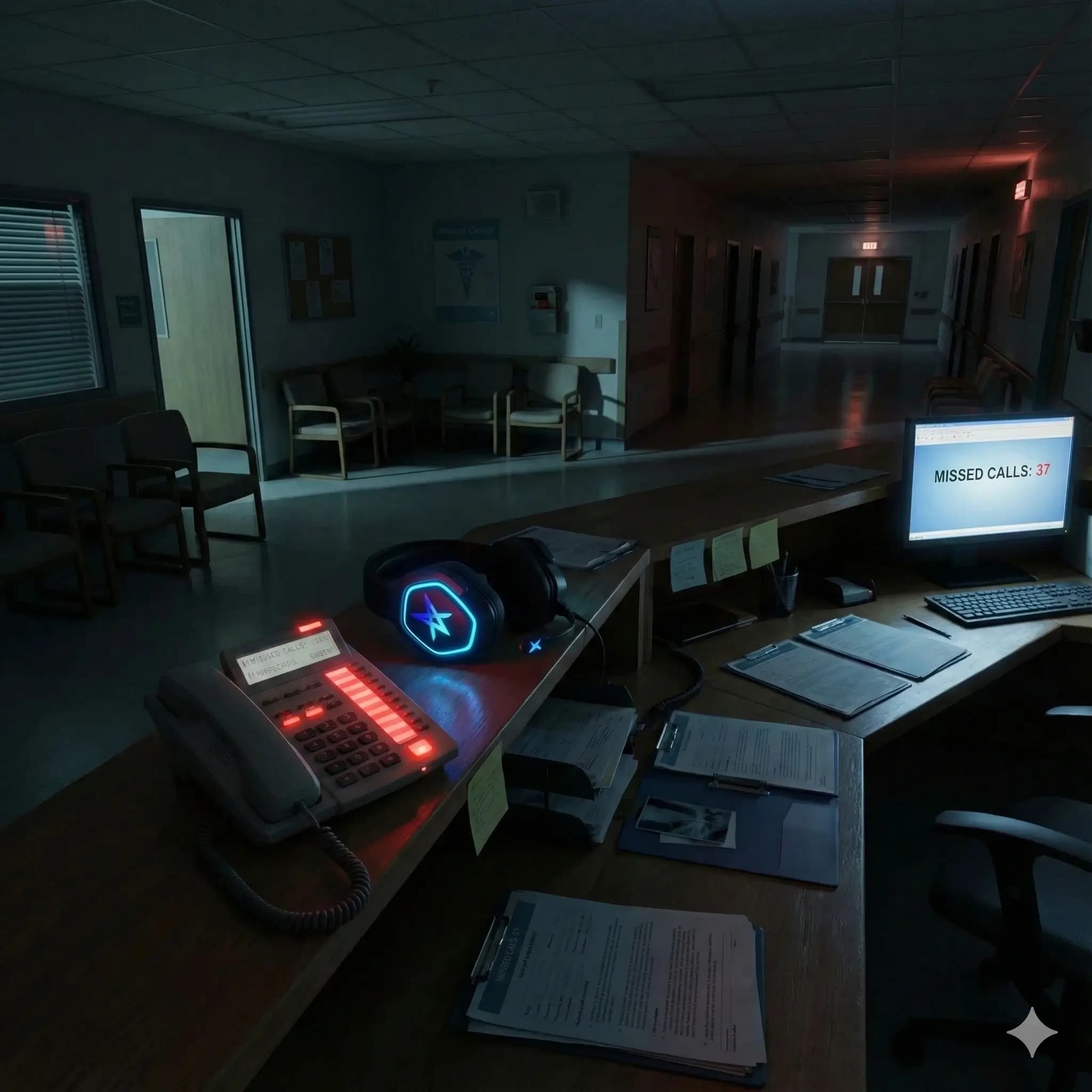
It's 9pm. A parent's worried about their child's fever. An elderly patient's confused about their medication. Someone has symptoms they're not sure warrant emergency care.
They call their GP. No one answers.
This scenario plays out thousands of times nightly across Australia. A medical virtual receptionist powered by AI changes that—providing intelligent after-hours answering that ensures patients feel heard, routes urgent issues appropriately, and handles routine matters efficiently.
Featured snippet: Medical virtual receptionists use AI to provide 24/7 patient triage, assessing symptoms, routing emergencies to 000, scheduling next-day appointments for non-urgent concerns, and documenting everything for morning follow-up—all without human staff.
Why After-Hours Coverage Matters
Patients with legitimate concerns can't reach their regular provider after hours. This leads to:
- Unnecessary emergency department visits
- Delayed care for issues that could be addressed
- Patient anxiety spiralling overnight
- Broken trust in the practice relationship
Modern patients expect healthcare access beyond 9-to-5. Health concerns don't wait for business hours. Dr. Google has set expectations for instant information. And anxiety peaks at night when support is unavailable.
Current Solutions Don't Cut It
Voicemail? Impersonal. No guidance provided. Patient left anxious.
Answering service? Script-following, not intelligent. Can't integrate with practice systems. Expensive for what you get.
After-hours GP services? Good for urgent care, but not appropriate for enquiries. Plus, patients see an unfamiliar doctor.
Emergency department? Overcrowded with non-emergencies. Long waits for minor issues. Not ideal for anyone.
What's missing is an intelligent first-response that can answer immediately, assess situations appropriately, route to the right level of care, and document for morning follow-up.
How Medical Virtual Receptionists Handle After-Hours Triage
The Assessment Process
When a patient calls after hours, the medical virtual receptionist engages in a structured conversation:
"Good evening, you've reached Bayside Medical after-hours service. This is an AI health assistant. How can I help you tonight?"
The AI assesses:
- What symptoms or concerns exist?
- How severe are they?
- Any danger signs present?
- What does the patient actually need right now?
Then routes appropriately:
- Emergency → Direct to 000
- Urgent → Transfer to after-hours medical service
- Next-day urgent → Book morning appointment
- Routine → Provide information, log for follow-up
Real Conversation Examples
Scenario: Parent with sick child
AI: "Good evening, Bayside Medical after-hours. This is an AI assistant. How can I help?"
Parent: "My 4-year-old has had a fever since this afternoon and I'm worried."
AI: "I understand—fevers in young children can be concerning. Let me ask a few questions to help guide you. What's their temperature been?"
Parent: "38.5 when I checked an hour ago."
AI: "And how is she behaving? Is she alert and responsive?"
The conversation continues, gathering key information before providing guidance.
Based on the assessment, the AI might say: "This sounds like it could wait until morning, but I want you to feel comfortable. I can book an early appointment with Dr. Chen tomorrow. In the meantime, keep her comfortable with appropriate children's paracetamol." See also: Reducing DNA Rates: AI Reminders for Clinics
Scenario: Medication confusion
AI: "Good evening, Bayside Medical after-hours. This is an AI assistant. How can I help?"
Patient: "I'm confused about my blood pressure medication. I think I took it twice today."
The medical virtual receptionist gathers details about the medication, dose, timing, and current symptoms. If the patient feels fine, it provides reassurance while flagging for doctor follow-up. If symptoms are present, it escalates appropriately.
The Triage Framework
Level 1: Emergency (Immediate 000)
- Chest pain, difficulty breathing
- Severe bleeding
- Loss of consciousness
- Signs of stroke or heart attack
Level 2: Urgent (After-hours medical)
- High fever with concerning symptoms
- Severe pain not managed at home
- Mental health crisis
- Medication issue requiring prescription
Level 3: Soon (Next-day appointment)
- Moderate symptoms stable overnight
- Test result anxiety
- Worsening chronic condition
- Minor illness wanting reassurance
Level 4: Routine (Morning queue)
- Administrative enquiries
- Referral questions
- Appointment scheduling
- Non-urgent prescription requests
Setting It Up for Your Practice
Configuration Essentials
Practice information:
- Practice name and contact details
- Doctor names and specialties
- Business hours
- After-hours GP service to transfer to
Triage protocols:
- Emergency triggers (symptoms requiring 000)
- Urgent triggers (symptoms needing after-hours GP)
- Appointment booking rules
- Information AI can safely provide
Integration:
- Booking system connection
- Note logging capability
- SMS confirmation sending
- Morning handoff process
Morning Handoff
Every after-hours interaction creates:
- Call summary for morning review
- Patient notes in your system
- Tasks for follow-up if needed
- Flags for urgent morning attention
Your practice starts the day with a clear list of overnight calls, appointments already booked, and important issues flagged.
Clinical Safety Built In
What AI Does NOT Do
Your medical virtual receptionist won't:
Diagnose: "I can't diagnose what's causing your symptoms, but based on what you've described, this is what I recommend..."
Change medications: "I can't advise you to change your medication dose. For that guidance, you'll need to speak with a doctor."
Dismiss concerns: The AI never says "It's probably nothing" or "Don't worry about it."
Safety Features
Conservative escalation: If in doubt, the AI recommends a higher level of care. It errs on the side of caution and documents its reasoning.
Clear limitations: The AI explicitly states it's not providing medical advice and recommends professional consultation for clinical questions.
Monitoring and review: All calls are logged and available for review. Your clinical team can audit and improve the system continuously.
Compliance Considerations
Health Privacy
- No health information left in voicemails
- Secure call recording storage
- Patient consent for AI interaction
- Data handled per Australian privacy law
Clinical Governance
- Triage protocols reviewed by your clinical lead
- Regular audit of AI decisions
- Clear pathway for concerns or complaints
- Continuous improvement process
Documentation
- All calls logged comprehensively
- Reasoning documented
- Handoffs recorded
- Full audit trail maintained
Measuring Impact
Australian practices using after-hours medical virtual receptionists report:
Patient experience:
- 100% of calls answered (vs. voicemail)
- Immediate response (vs. waiting until morning)
- Guidance received (vs. uncertainty overnight)
Clinical appropriateness:
- Reduction in unnecessary ED visits
- Earlier intervention for genuine concerns
- Better documentation for follow-up
Practice efficiency:
- Reduced morning call-back burden
- Pre-booked appointments ready to go
- Important issues already flagged
Similar to how GP Shortages: AI Voice Medical Receptionists practices are using AI to relieve pressure on reception teams during business hours, after-hours triage extends that support to 24/7 coverage.
Patient Communication
Let your patients know about your after-hours service:
Sample patient communication:
"Our after-hours AI assistant is available when our reception desk is closed. It can help you determine whether your concern needs immediate medical attention, provide general information, and book appointments for non-urgent matters. For medical emergencies, always call 000."
Frame it positively:
- "Available any time you need us"
- "Intelligent triage to guide you appropriately"
- "Never have to wait until morning to be heard"
Be transparent:
- Clearly identified as AI
- Limitations stated upfront
- Easy pathway to human help
The Bottom Line
After-hours patient care doesn't require 24/7 human coverage—it requires intelligent triage that ensures patients get appropriate guidance when they need it.
A medical virtual receptionist handling after-hours calls provides immediate response to every call, intelligent assessment of concerns, appropriate routing to the right level of care, and documentation for continuity. Most importantly, it gives patients confidence that help is available.
For Australian medical practices, this isn't replacing care—it's ensuring care is accessible and appropriate, every hour of every day. Just as Medical Practices in Australia Using AI Edge practices are gaining advantages with AI during business hours, extending that intelligence to after-hours creates truly comprehensive patient support.
When you're ready to provide 24/7 patient support with a medical virtual receptionist, the technology is here. The question is whether you'll implement it before your patients expect it—or after.
Ready to provide 24/7 patient support? Start your free trial at voxworks.ai.